
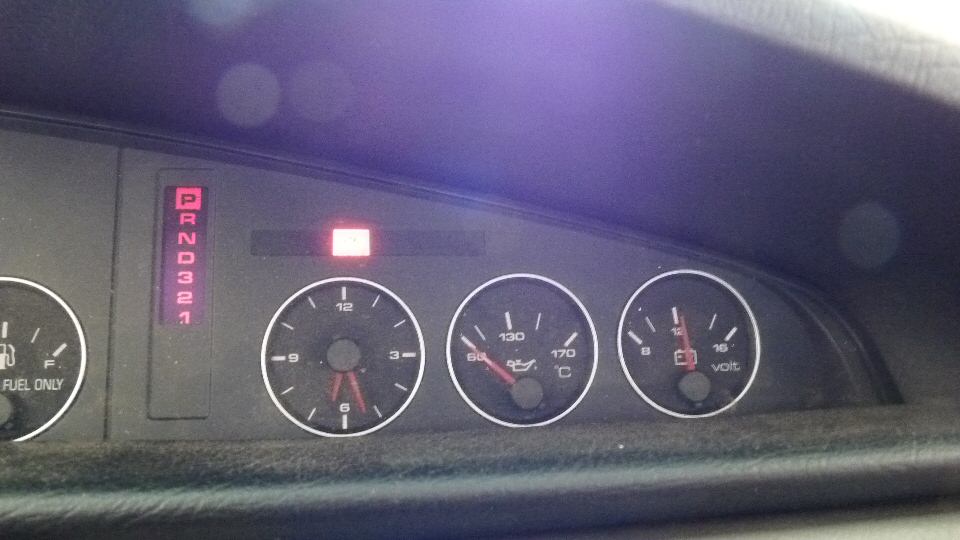
The check engine light is on and I have the OBDII Serial Connector with free software from Vag-Com
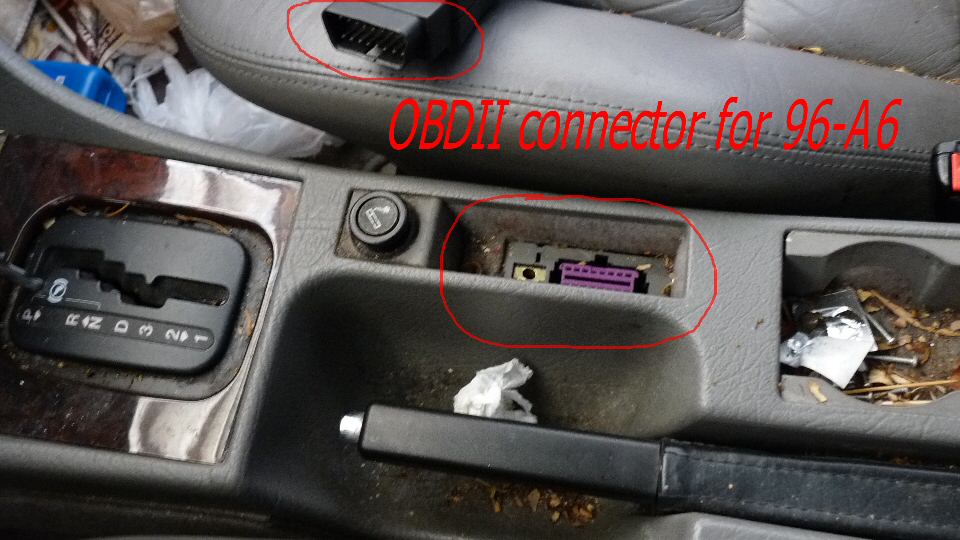
Open the OBDII cover and the purple connector on the shifter console exposed.
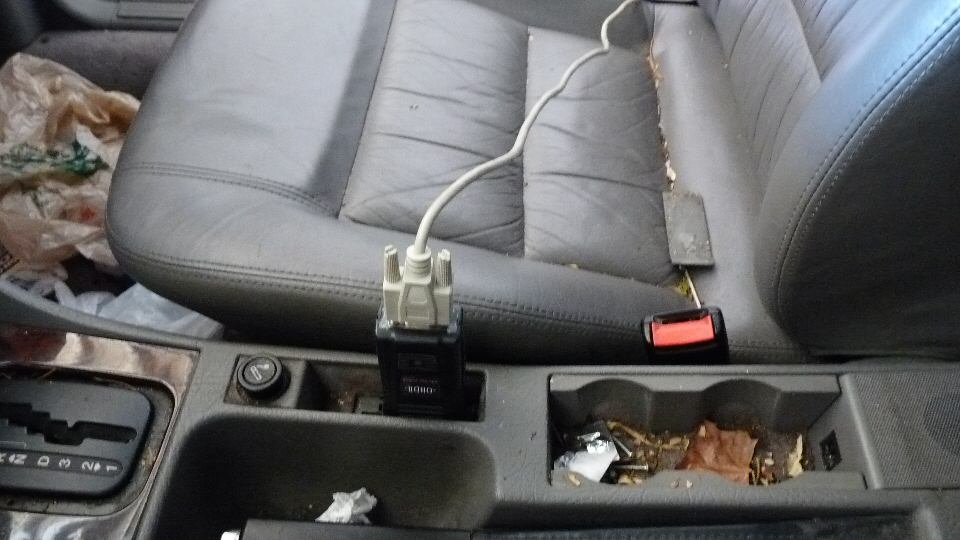
Hook it up and connect to the serial port on the computer, turn on the ignition to ac and access the system using Vag-Com
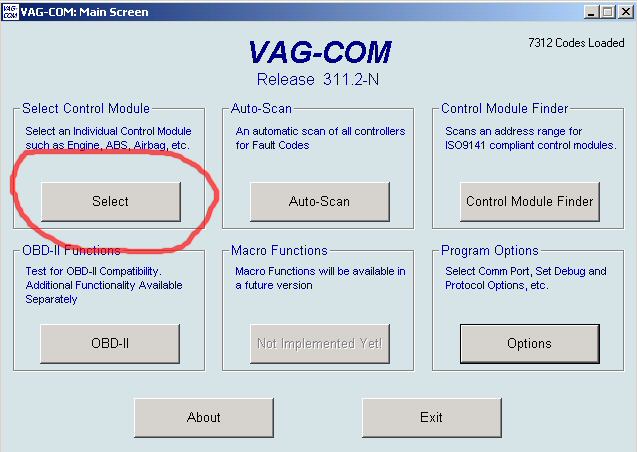
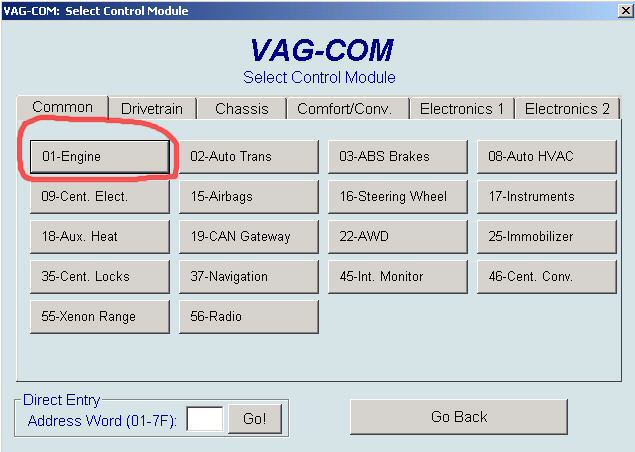
With the comport setup correctly, the main menu for Vag-Com will come up, select engine since it’s engine light
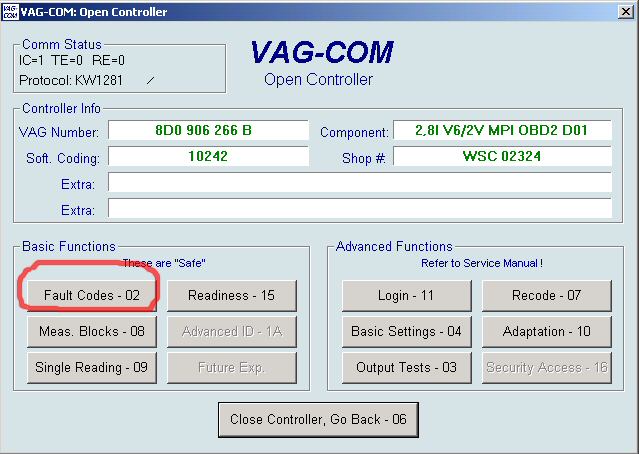


Remove cable and turn off the computer, switch off the ignition, start the engine and the check engine light should be gone.

Cheers,
idog
1 Comment
I’ve been browsing online more than 3 hours today, yet I never found any interesting article like yours Use Vag-Com To Reset Check Engine Light On A6 | Audi. It’s pretty worth enough for me. Personally, if all web owners and bloggers made good content as you did, the internet will be much more useful than ever before.