Mac Software

Software for Mac Books, Mackintosh, Macs

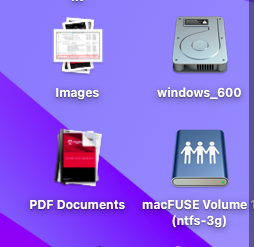
Mount NTFS On macOS

ntfs mounted

Since the macOS updated to Sonoma and Sequoia, it’s sometimes quite difficult to install ntfs-3g, so I copy the whole directory that works, just put it on the personal library folder and access with command line and it will mount and work perfectly. Must install .  1. Install . 2. Install . 3. Install : 

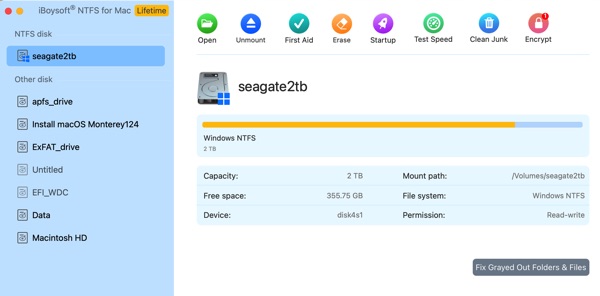
Install iBoysoft NTFS Driver For Silicon Mac

I’ve gotten a new MacBook Air M4 and I want to install iBoysoft NTFS driver to mount external NTFS hard drives to read and write between my Mac and NTFS. The macOS is Sequoia 15.7.4, latest. The procedure to install is a little more than just install the driver. 1. Download and install the .

Recents Folder Empty After Restart macOS

spotlight privacy windows

After installing Ventura 13.7.1 OS on a new disk drive, my recents folder works for the duration of the time, but it’s blank (empty) after every restart. I do need the recents folder for reusing images and movies.  After reading on the webs, I found a solution that actually works by re-indexing spotlight. 1. Go

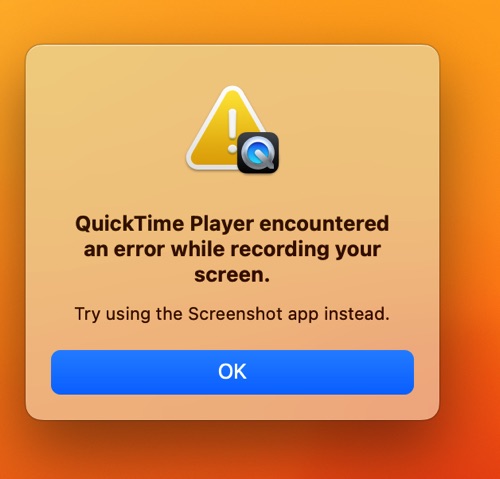
How To Fix Quicktime Player Screen Recording Error

Quicktime Player Error Ventura

After installing the new macOS Ventura 13.2.1, I had the warning Hash mismatch on the Ventura Volume and then I have the problem of Quicktime Screen Recording, so I had to reinstall macOS Ventura again and it fixed the problem.   

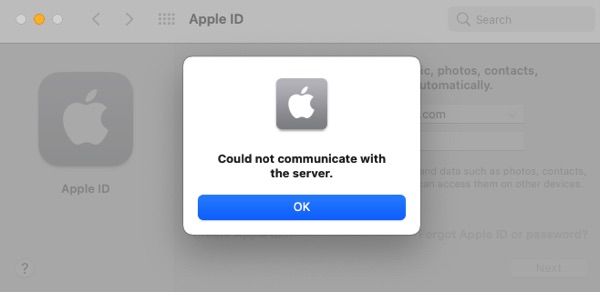
iCloud: Could Not Communicate With Server

icloud failed to log in

I was using Clover 5142 to boot macOS Big Sur on my HP Envy 13 without Ethernet. The DW1620 module keeps having en0 builtin false instead of true due to the config setup. When the en0 is not builtin, I couldn’t login to iCloud server. In order to login to iCloud Server, the wifi or