Apple Devices

All Apple devices: iPod, iPhone, iPad, MacBook Air, Macwannabe

Import iPhone Photos on Mac Using Preview and Image Capture Apps
Preview App macOS

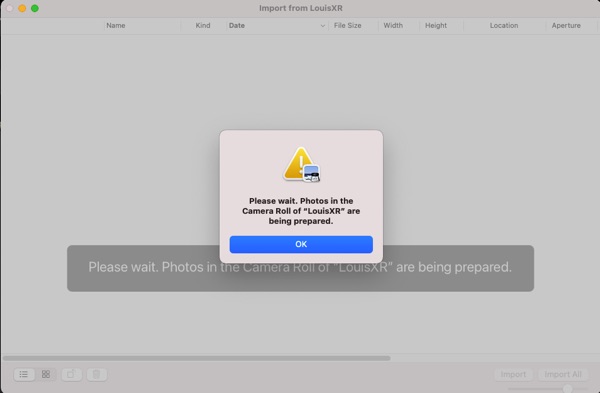
When we updated our macs to Big Sur or latest Catalina with our new iOS 14.3-4, the Photos App no longer display and import Photos and Videos from our iPhone XR. I think Apple broke the Photos App or trying to force people to use iCloud Photos which we don’t use. There are 2 ways

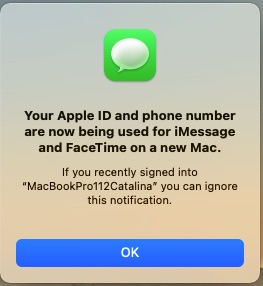
How To Get iMessage and FaceTime Working On Big Sur

imessage_notification

In order to get iMessage and FaceTime to work on Big Sur, we need to have a valid account with Apple. There are a few things we need to get working before login to iCloud. 1. iMessage Debug must be free of errors. 2. en0 must be IObuitin with network hardware of the system. Use

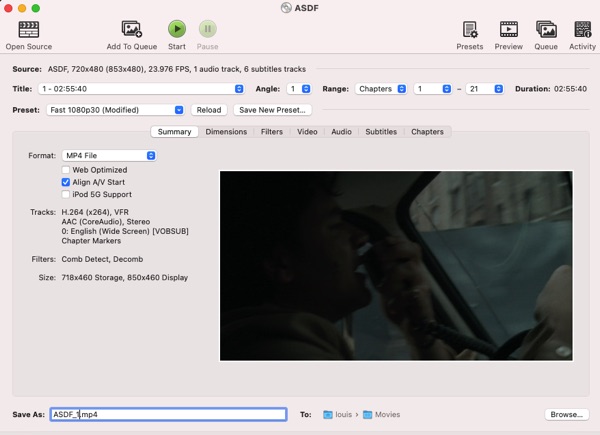
How To Backup DVDs To MP4 macOS Big Sur

HandBrake macOS Big Sur

macOS Big Sur has quite a security upgrade that causes many problems for installing software sometimes. This is how I backup my DVDs to MP4 for playing digitally. We need , .

How To Make Your First Desktop Hackintosh

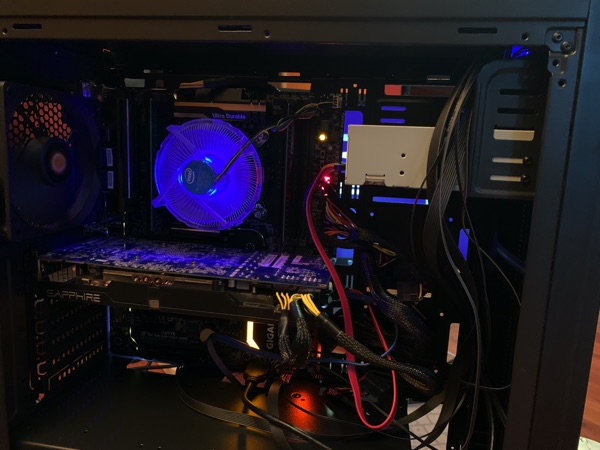
ga-x99-ud5 i7-6900k system

I’m a laptop guy but I like to have a fast PC that can run macOS Catalina and Big Sur since I don’t use Windows 10 much. On this post, I’ll show how I select the components and set up the files for booting Catalina and Big Sur. Custom built desktops are harder to hackintosh

Install macOS Big Sur On Supported Windows PCs and Laptops

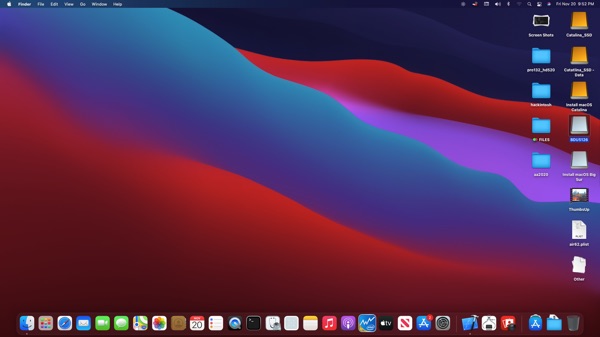
macOS Big Sur

The macOS Big Sur 11.2.1 is officially released for download and upgrade. This post will show how I installed on my Windows Laptops and Desktops. This OS did change quite a few things that will not work with the older Catalina setup. To use OpenCore to boot, we need 0.6.3+ version, I did use 0.6.4