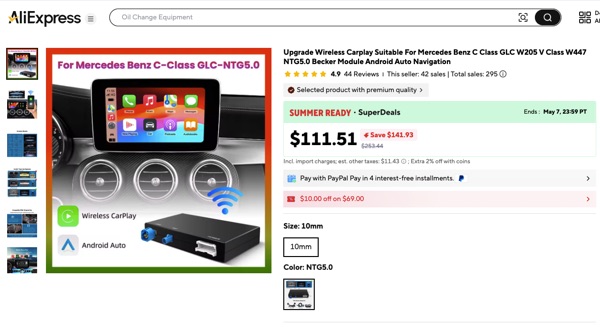
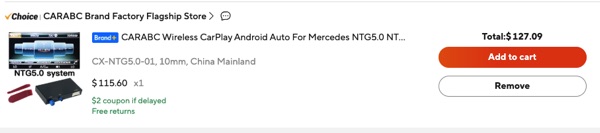
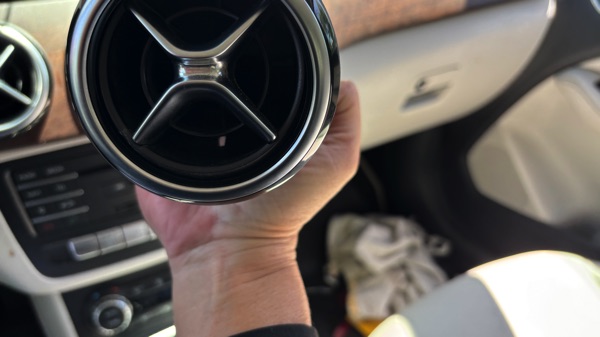
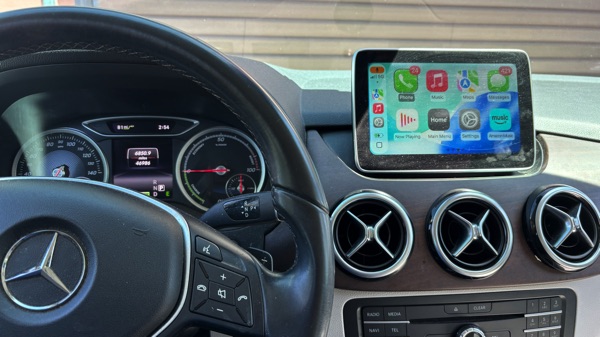
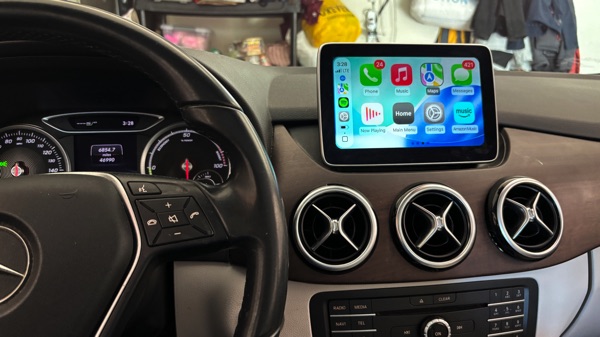
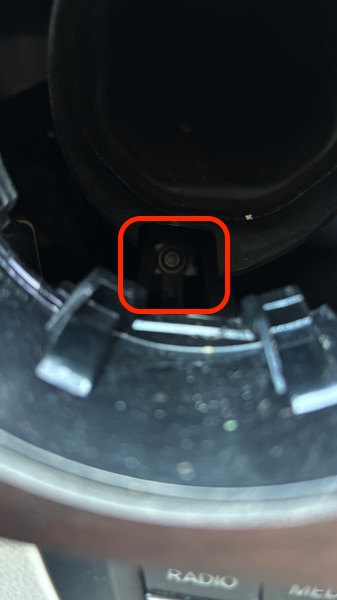
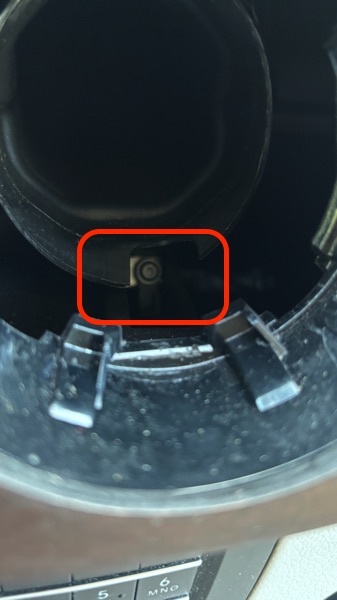
After failing to enable the Apple CarPlay for my 2015 B250e even with NTG5.1 Head Unit, I decided to get a module from Aliexpress for $127. This company CARABC shipped fast in 1 week and everything works perfectly. The hardest part is to remove the 2 vents to access the HU locking screws (Torx 20). The CarPlay unit came with everything and plug and play.
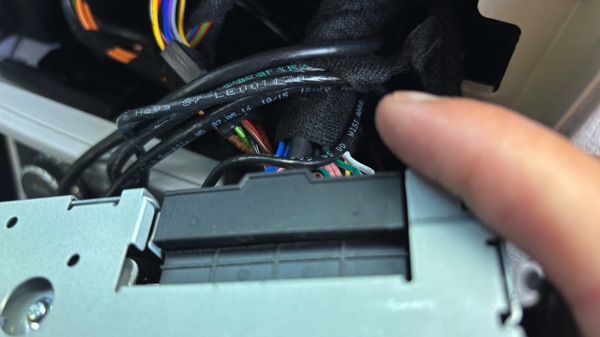
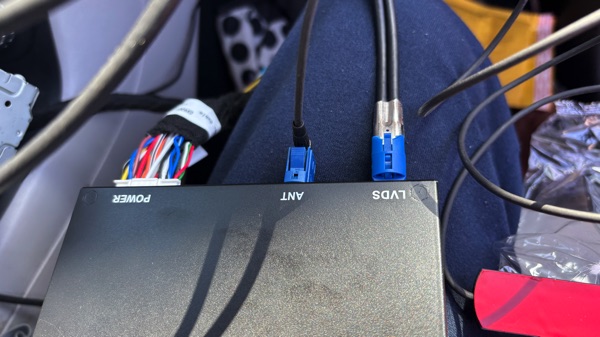
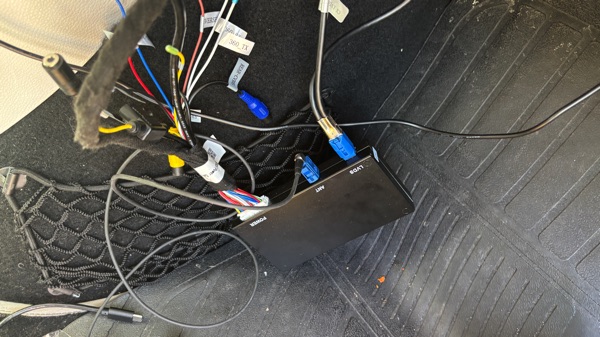
The LVDS (video input) on this HU is the blue colored one and not the black, the best to find out which one is to unplug and see if the screen is on.
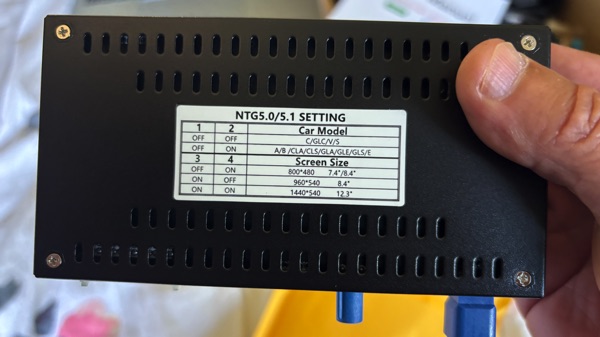
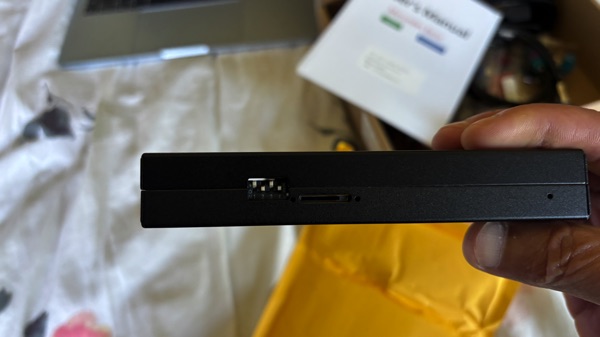
For the screen to display make sure to set the box switches 2, 4 to ON.
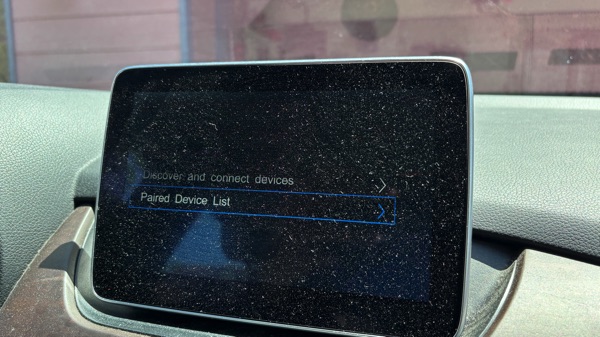
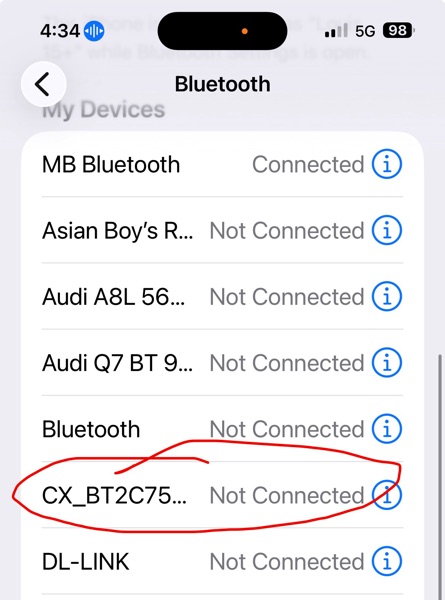
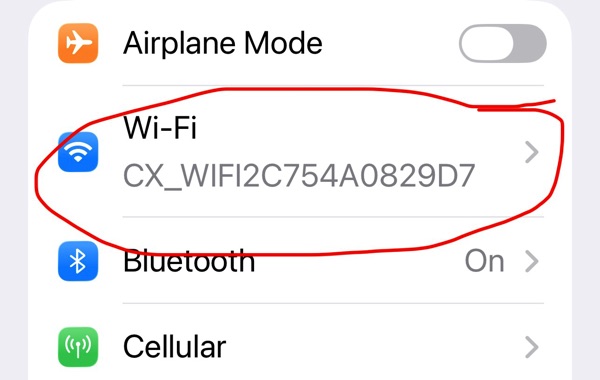
To pair the phone, we need to connect to the phone WiFi with the CarPlay unit WiFi (CXxxxx) and the password is 88888888 which not in the user manual. Also pair the Bluetooth with the unit BT (CXxxxx).
Press the return button on the steering or the control on the center console for a few seconds, this will switch to the CarPlay or original screen.
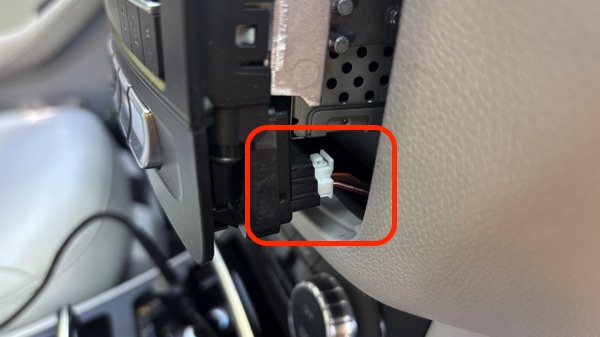
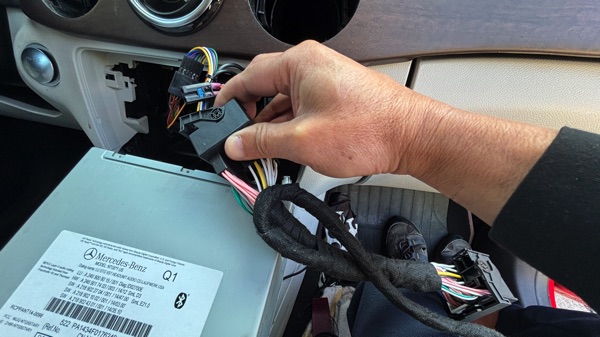
To run the wires through the right side panel and hide the unit there. For the HU, we need to guide the big connector to the left side to be able to push the head unit all the way back in. Make sure the 2 locking screws are forward before pushing the HU in to lock when screw them back in.
-

- Aliexpress unit sale
-
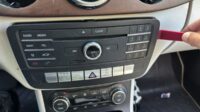
- NTG5.1

-

- connector remove

-

- lvds video cable blue

-

- most optical cable

-

- most optical cable

-

- power connector

-

- power connector
-

- power connector in
-

- blue cable lvds

-
- box cable connections

-
- cable label

-

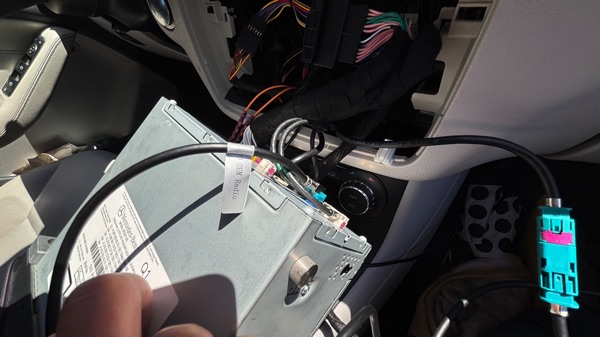
- cable label
-

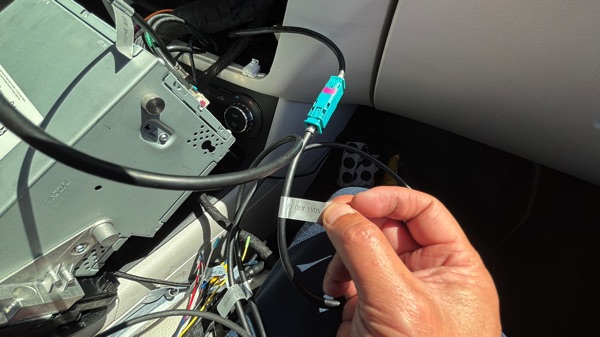
- cable label

-

- b250e HU NTG5.1
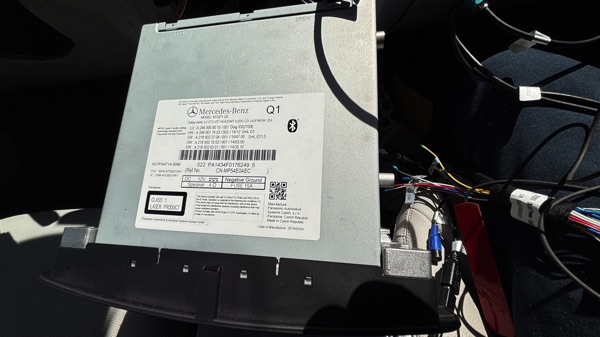




-
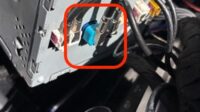
- lvds video blue

-
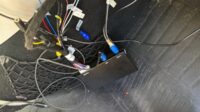
- box connections
-

- the vent hole to hook

-

- the vent hole to hook

-

- The vent hole bottom

-

- BT connection
-

- WiFi connection 88888888
-
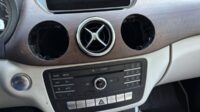
- 2 vents removed

-
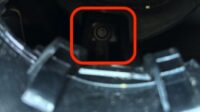
- HU locking torx 20
-

- HU locking torx 20

-
- B250e switch positions
-

- B250e switch positions