
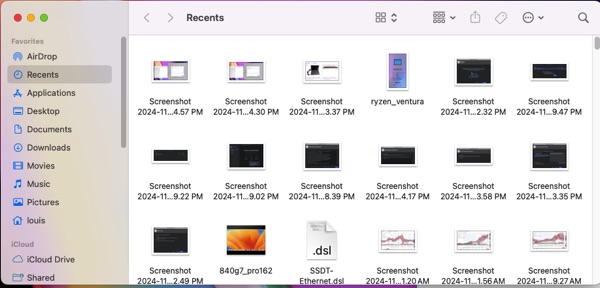
After installing Ventura 13.7.1 OS on a new disk drive, my recents folder works for the duration of the time, but it’s blank (empty) after every restart. I do need the recents folder for reusing images and movies. After reading on the webs, I found a solution that actually works by re-indexing spotlight.
1. Go to system settings- Siri & Spotlight- Spotlight Privacy-
2. Privacy windows- + add a folder – use the whole disk including everything of macOS – click OK
3. Go back in again and remove the whole disk. Reboot and everything is back in the Recents folder.


- Mount NTFS On macOS
- Install iBoysoft NTFS Driver For Silicon Mac
- Recents Folder Empty After Restart macOS
- How To Fix Quicktime Player Screen Recording Error
- iCloud: Could Not Communicate With Server
- Prevent macOS Monterey To Upgrade Automatically
- How To Create macOS App To Run Sudo Command with Password
- How I fixed BlueStacks Crashing in Big Sur 11.4
- How To Make External NTFS Hard Drives Writable In Big Sur
- How To Get iMessage and FaceTime Working On Big Sur